
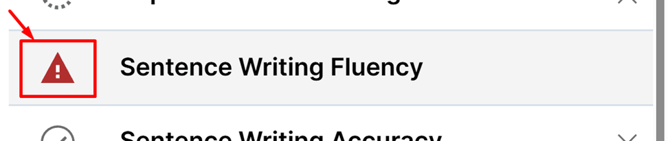
Why Tests Become Invalidated
A test may be invalidated due to:
- Administration error
- Incorrect routing
- Missing required responses
- Examiner decision (behavioral factors, interruptions, etc.)
- An intentional reset
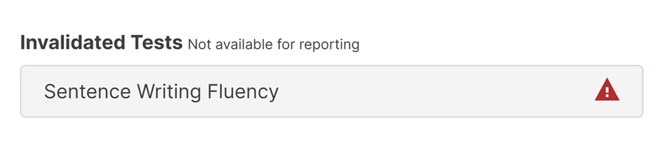
What Happens When a Test Is Invalidated

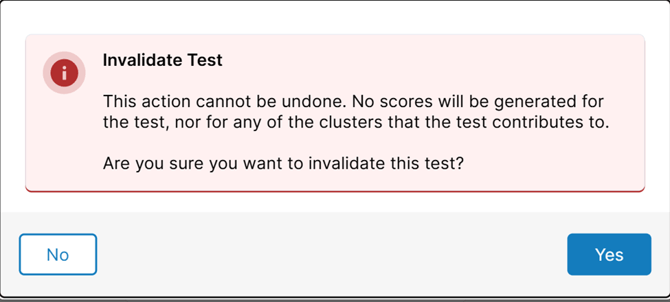
When you choose to invalidate a test, Woodcock-Johnson V (WJ V) displays a confirmation message warning that:
- The action cannot be undone
- No scores will be generated for that test
- Any clusters relying on that test will not include it
Pop-up will appear: a confirmation dialog stating 'This action cannot be undone. Invalidating this test will remove all scores associated with it. Any clusters relying on this test will not include it.' Click Invalidate Test to confirm, or Cancel to keep the test. If a Backup Form Is Available: Select the backup form when prompted.
What To Do After Invalidating a Test
If a Backup Form Is Available:
- Select the backup form when prompted
- Re-administer the test immediately
- Submit the backup form when finished
If a Backup Form Is Not Available:
- Create a new test set and test assignment with the test missing
- Re-administer
- Submit
- Merge with the original test
❗Tips to Prevent Invalidations
- Follow routing rules carefully
- Ensure all required items are completed
- Avoid accidental invalidation by reviewing the confirmation message
- Maintain a stable device/browser connection during testing