
1. Login to riversidescore.com and select the Woodcock-Johnson V (WJ V) tile to access the platform.
2. Navigate to WJ V Settings at the top right of your page (next to sign out/your name).
3. View Subscription Details.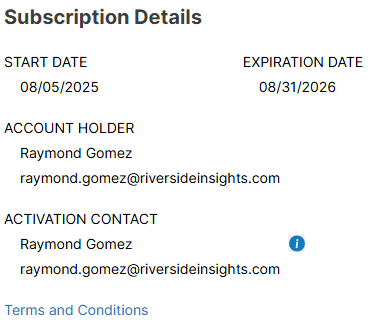
Screenshot: start date, expiration date, Account Holder, and Activation Contact shown.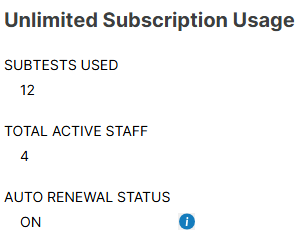
Screenshot: unlimited subscription usage shows - subtests used, total active staff, and auto renewal status.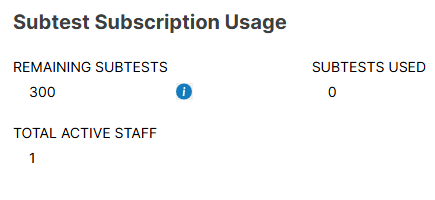
Screenshot: subtest subscription usage shows - remaining subtests, subtests used, and total active staff.
From this page, you can also click on Report Settings to change your default academic calendar.
