
This article applies to WJ V. To skip a test from an ongoing session, please have the test assignment launched for the examiner and examinee.
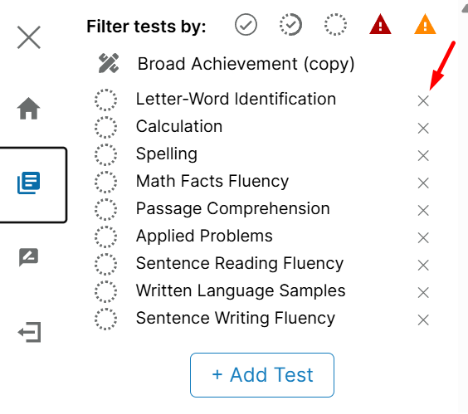
Once the test is launched, please navigate to the left navigation bar, and then click on the second icon “Tests” to view your tests.
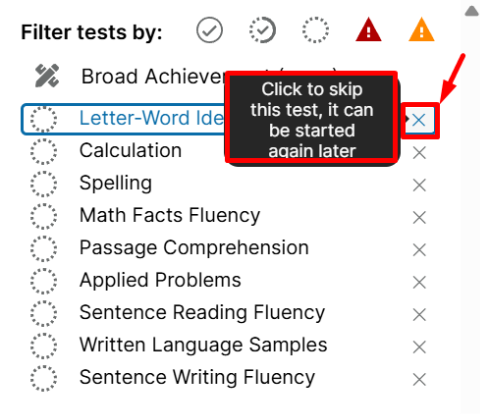 From here, you can see an “X” next to each test name. Click on the X next to the test you would like to skip. Skipping a test will have the test not appear on the report.