
1. Login to riversidescore.com and select the Woodcock-Johnson V (WJ V) tile to access the platform.
2. Navigate to the Examinees tab at the top of your screen.
3. Click add examinee then you will be prompted with fields to fill out with the examinee's information.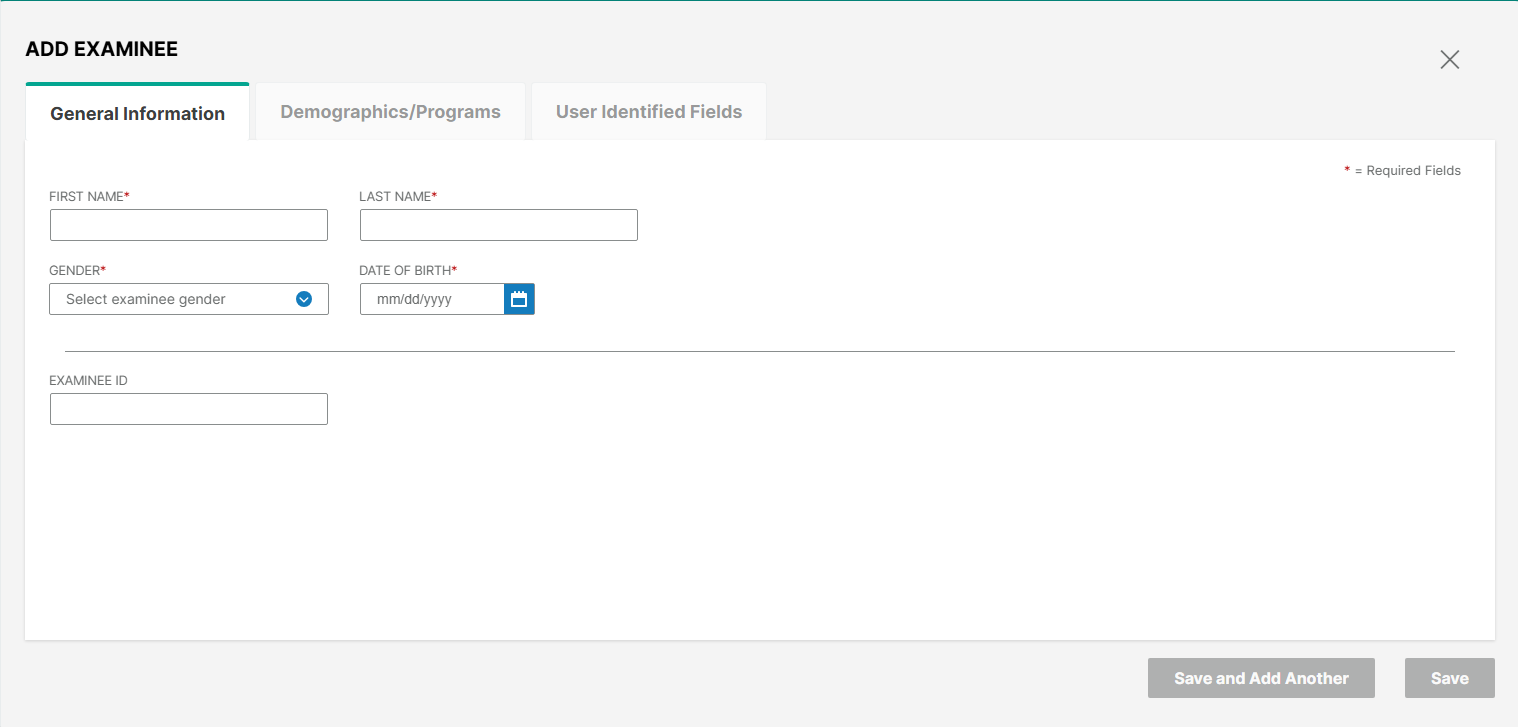
4. Only fields with the red asterisks are required to add the examinee (Every other field and section is optional). 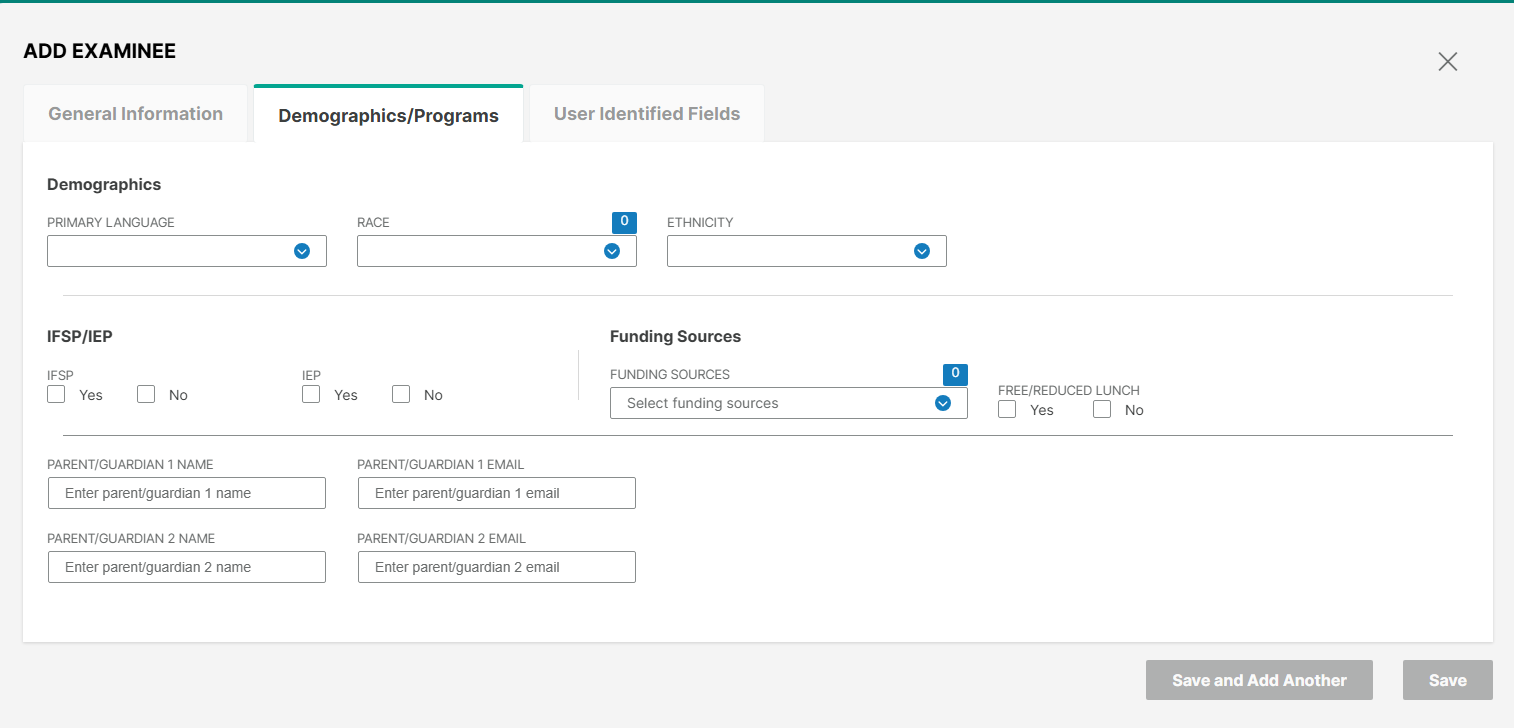
5. Click "Save" or "Save and Add Another" if adding multiple examinees (Save appears blue once all required fields are filled out).