
To delete test records or checklists:
This article applies to WJ IV. 1. Open the Examinee Information page. The tests and checklists are listed.
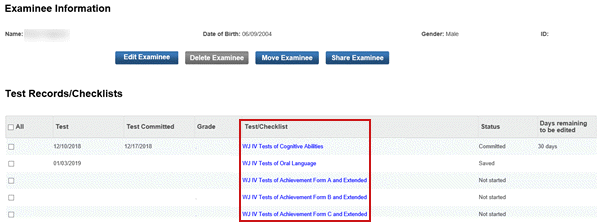
2. Click the check box for the items you want to delete.
Note: You cannot delete a record whose check box is grayed out.
3. Click the Delete button. A confirmation message appears.
4. Click Yes. The tests or checklists are deleted from the examinee.