
When you first log in to RiversideScore.com, you're brought to the Dashboard page, which displays icons for the tests you have access to in the platform.
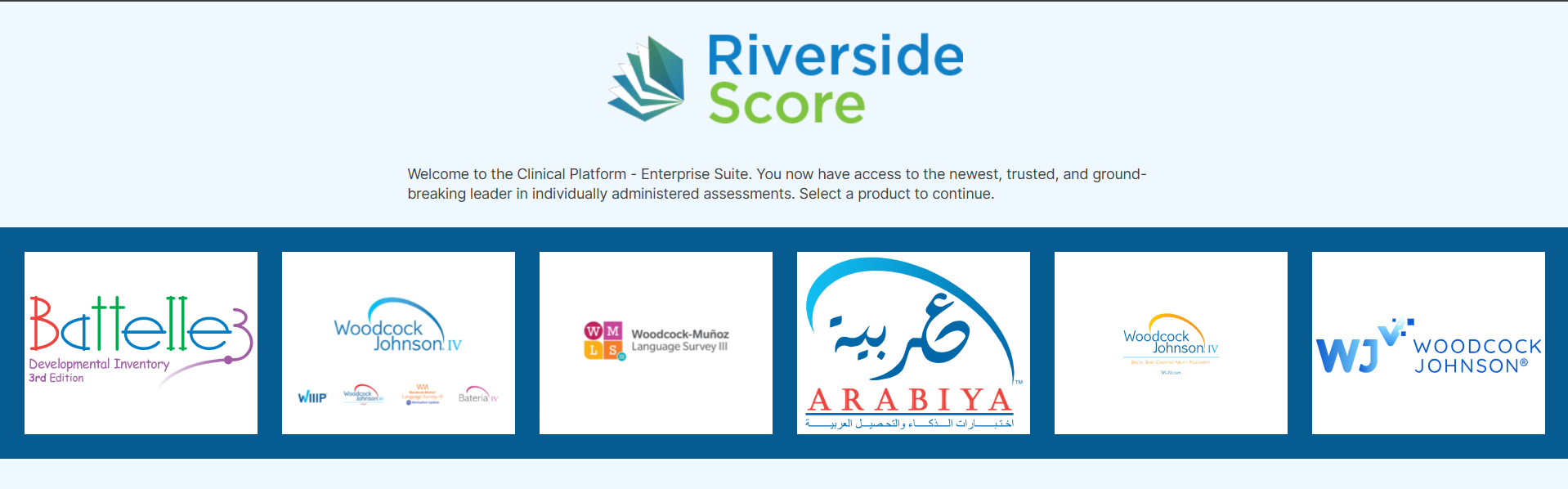
Image: the Dashboard showing test icons such as Woodcock-Johnson IV (WJ IV), Battelle Developmental Inventory, 3rd Edition (BDI-3), and Woodcock-Muñoz Language Survey III (WMLS III.
If you do not see a particular test/assessment on this dashboard, that means that your Account Holder/Administrator has not created an examiner/staff profile for you. Please reach out to your Account Holder/Administrator for access to the test. Once you are successfully added, you will see the test icon on the Dashboard when you sign in next.