
How do I edit my Examiner or Administrator information in Woodcock-Johnson IV (WJ IV) ? If you are an administrator or examiner, you can edit your first name, last name, email, and username. You cannot change your status, role, or sharing permission from this page.
If you are an administrator or examiner, you can edit your first and last name, email, and username. You cannot change your status, role, or sharing permission.
To edit your own administrator or examiner information:
Click your name in the upper right corner of the banner. The Enter Examiner Information page opens.
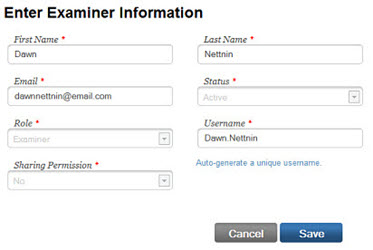
Edit the fields you want to change and click Save. A confirmation message appears.
To edit an examiner, you will go to administration > examiners > search/edit > click on the paper/pencil icon under examiner actions.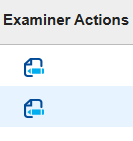
Note: If you change your username, the system logs you out and your must log back in with the new username.