
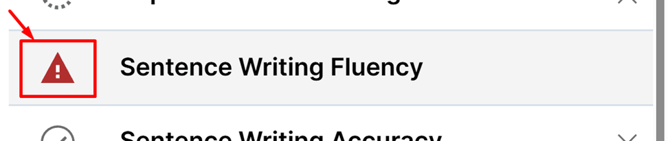
Why Tests Become Invalidated
A test may be invalidated due to:
- Administration error
- Incorrect routing
- Missing required responses
- Examiner decision (behavioral factors, interruptions, etc.)
- An intentional reset
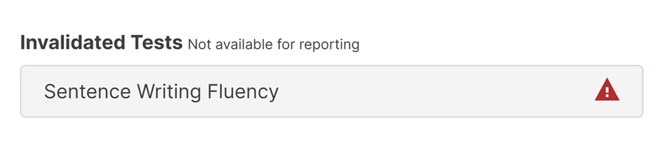
What Happens When a Test Is Invalidated

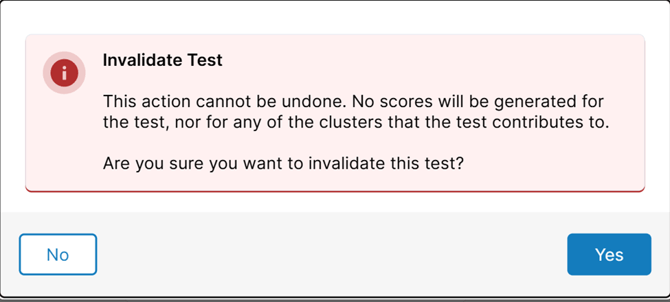
When you choose to invalidate a test, WJ V displays a confirmation message warning that:
- The action cannot be undone
- No scores will be generated for that test
- Any clusters relying on that test will not include it
Pop-up will appear:
What To Do After Invalidating a Test
If a Backup Form Is Available:
- Select the backup form when prompted
- Re-administer the test immediately
- Submit the backup form when finished
If a Backup Form Is Not Available:
- Create a new test set and test assignment with the test missing
- Re-administer
- Submit
- Merge with the original test
❗Tips to Prevent Invalidations
- Follow routing rules carefully
- Ensure all required items are completed
- Avoid accidental invalidation by reviewing the confirmation message
- Maintain a stable device/browser connection during testing