
Step-by-Step Instructions
-
Visit the Login Page
-
Go to Riverside Insights Login Page .
-
-
Enter Your Login Information
-
Type the email address and click continue.
-
Type the password you used to create your account in the appropriate field.
-
-
Sign In to Your Account
-
Click the “Continue” button.

-
After signing in, we will redirect you to the Online Ordering page.
-
-
Explore the Store
-
Once logged in, you can search the store, start a quote, or add items to your cart.
-
Forgot Your Password?
-
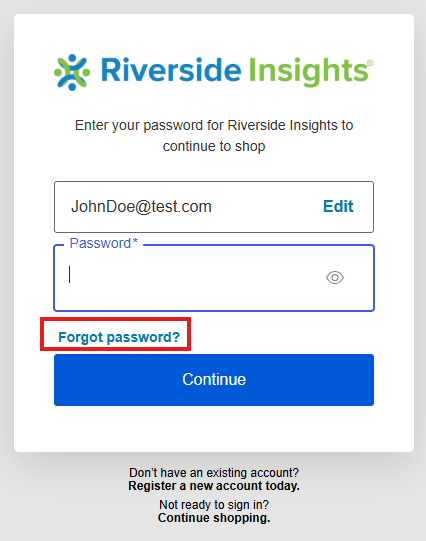
If you forgot your password, type in your email and click Continue
-
Click "Forgot password?" and press Continue
-
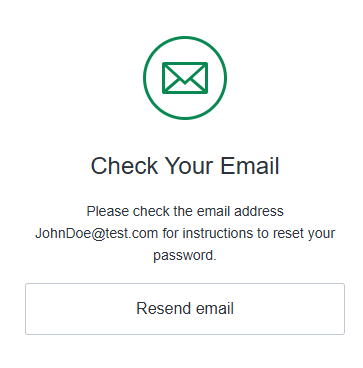
We will send a password reset email to the address linked to your account.
Need Help?
If you have any issues logging in, contact Riverside Insights customer support for assistance here.