
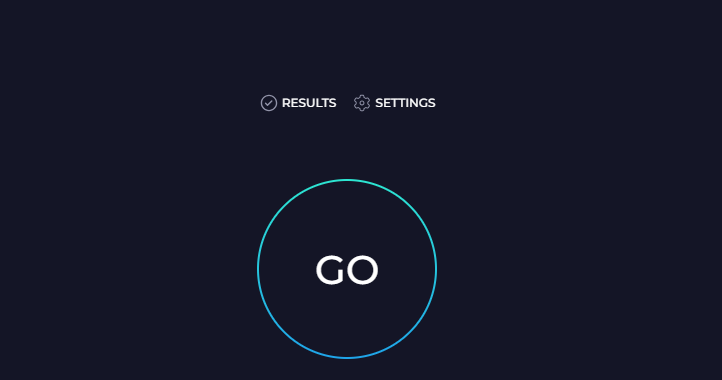
This is specifically for the WJV Test issues. To run a speed test. Please go to: https://www.speedtest.net/ then hit go.
 Once you have run it, the main thing we are looking for is the bottom section labeled pings all to be under 100.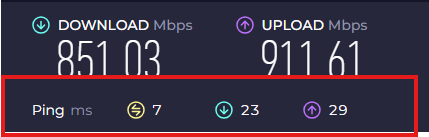
This is why we have you check. If you have high pings you could try a wired ethernet or another wifi router/location or get closer to the router. We run a speed test to make sure the internet is fast and stable enough so the test runs smoothly and doesn’t interfere with timing or audio.
- Play audio without lag
- Record responses accurately
- Prevent freezing, delays, or dropped sessions
Slow or unstable internet can cause:
- Audio cutting out
- Delayed item loading
- Timing issues on speeded subtests
- Sessions crashing or not saving correctly
Please send us a copy of your speedtest screenshot as shown above if you have additional questions.