
In the WJV there are pre-generated test sets for you to use. You also have the ability to create your own custom test set with just 1 subtest or multiple.
-
Log in to riversidescore.com and then click on the WJV
- At the top you will see Test Sets click that.

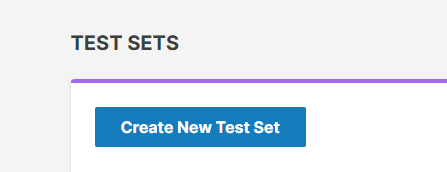
- Then hit Create New Tes Set
- You will come to this page and you will have 2 tabs at the top one for Clusters and one for All Tests. Click on Alll Tests so it shows you all subtests.
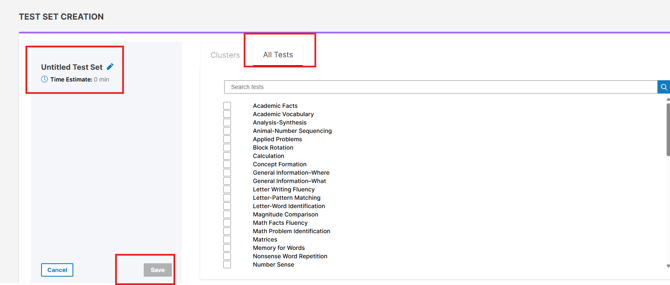
- Then you will need to hit the untitled Test Set and name it. Then once the subtests are checked and it is named the save button will turn blue. Then hit save and it will take you to your test sets dashboard. You can then assign it to any examinee.