
Report Options
You can set report options for Developmental Quotient Confidence Interval and signature.
To set report options:
1. Click Reports on the menu and select Report Center.
2. Click the Report Options tab.
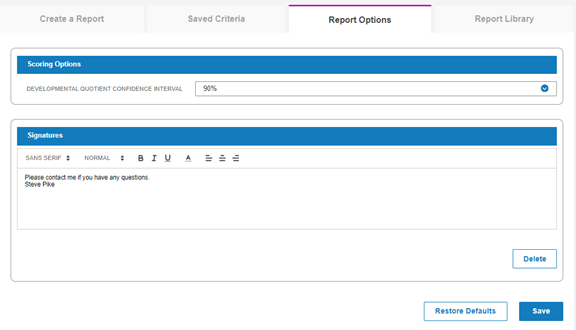
-Under Scoring Options, select 90% or 95% as the Developmental Quotient Confidence Interval.
-Under Signatures, type a signature to appear at the end of reports and click Save.
-Click Delete to delete the signature. You can enter another.
-Click Restore Default to restore the default Developmental Quotient Confidence Interval.