
To access the Reports Center, select Report Center from the Reports menu.
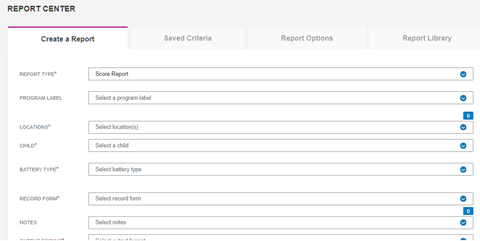
There are four tabs on the Reports Center.
-
On the Create a Report tab, you run the report, save it to the report library, and save the report criteria.
-
The Saved Criteria lists the criteria you saved for often-run reports. You can load the criteria to run a report with the saved criteria
-
On Report Options, you can set a confidence interval and add a signature that will appear at the end of the report.
-
You can store reports in the Report Library. The reports remain for 30 days. You can print the report or download exported data.