
Deactivate Staff
1. You can make a staff member active or inactive.
To deactivate staff:
On the menu under Staff Administration, click Search/Edit Staff, then search for staff, click pencil under actions to make edits.
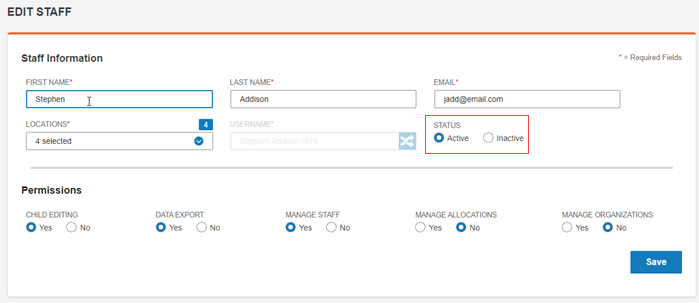
2. Click Inactive under Status.
3. Click Save.
The staff member is deactivated.