
To edit a hierarchy name:
On the Organization Management menu, click Locations. The Locations page opens on the Hierarchy tab.
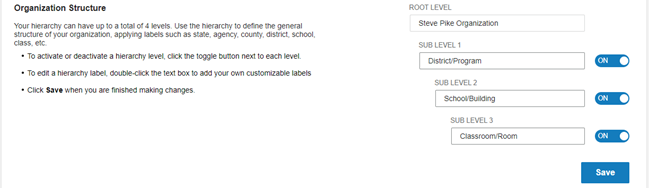
1. Double click in a Sub Level field. The name is highlighted.
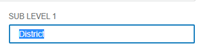
2. Type the new name.
3. Click Save. The Changes Saved message appears.
4. Close the message. The new sublevel name is saved.