
Creating and uploading csv data files
Head Admins can find more information about creating and uploading files by visiting the RESOURCES page at the top right when logged into easyCBM.
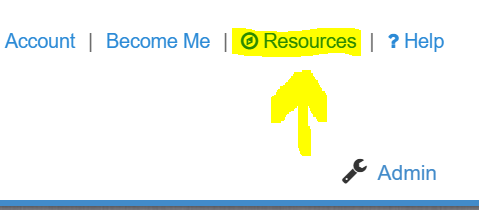
There are a few different references which are helpful.
- Find the link to the Creating and Uploading guide under Quick Guides - Head Admin
- Watch the video under the Training Website link.
- Use the file templates under Head Admin Resources under RESOURCES.